What it does
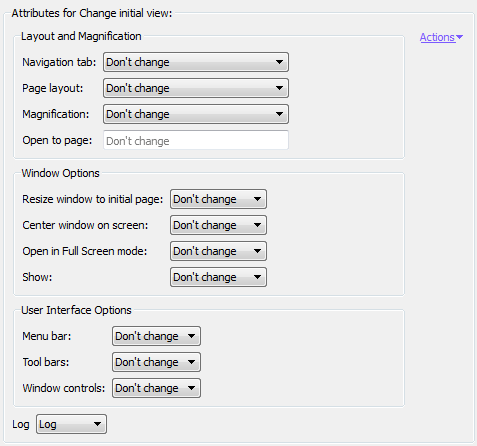
Allows the initial view settings of a PDF to be set or adjusted. The initial view is the way the PDF appears when it is opened in Adobe Acrobat or Adobe Reader (also when it is opened within a browser).You can make a lot of changes, for example choose a particular page layout or magnification level, turn on or off certain window options, hide application toolbars or window controls ...
Note: The attributes for this Action, correspond to the Initial View options in Adobe Acrobat
(See , select the Initial View tab). If you do not change the
attributes, these settings will be used. For a detailed overview of the meaning of each option,
refer to the Adobe help files.