What it does
Allows you to flatten the annotations in a PDF document. The annotations (often interactive elements such as sound clips, callouts, stamps,...) are converted to simple graphics that can be selected, changed, removed, ...Example
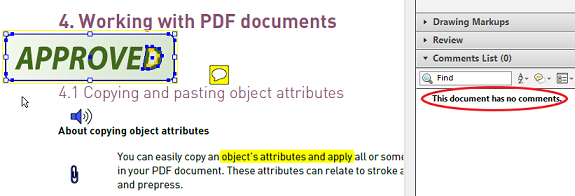
Before: The PDF contains five annotations: a stamp, a sticky note, a sound clip, a text note and an attachment.
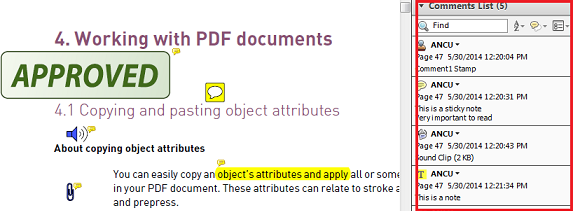
After: The PDF does not contain any annotations anymore; the Comments List is empty.
The graphics in the PDF can be selected and removed or modified (e.g. the color, size,...) as
required. Note that the callouts are removed.