Belongs to
- Category: Position/Size
- Type: Changes
- Since Version: 2017
What it does
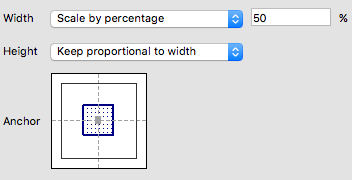
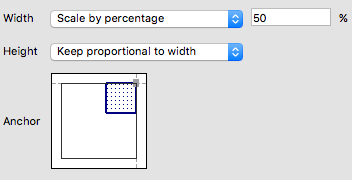
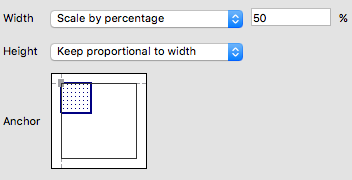
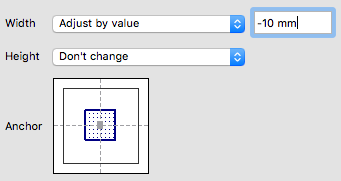
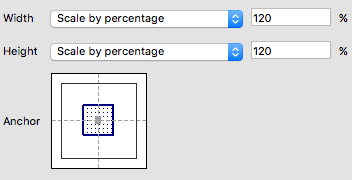
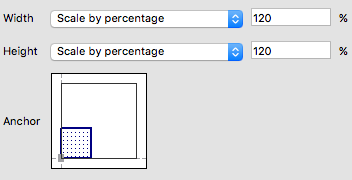
Resizes one or more selected objects.You can set the width and height using fixed values, variables, percentages or page boxes, proportional or not. You can also determine the anchor point of the object being scaled and the direction in which the object will resize.
Note that the reference for the anchor point is the bounding box of the selection.
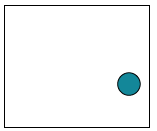
Example 1: One object selected
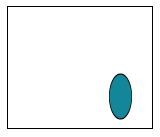
Object before scaling:
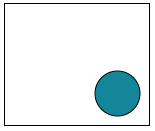
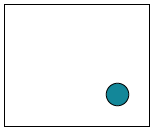
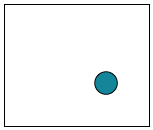
Result of the Action depending on the chosen options:
| Chosen options | Result |
|---|---|
|
|
|
|
|
|
|
|
Example 2: Two objects selected
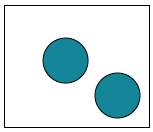
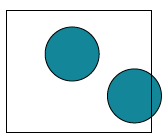
Objects before scaling:
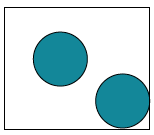
Result of the Action depending on the chosen options:
| Chosen options | Result |
|---|---|
|
|
|
|