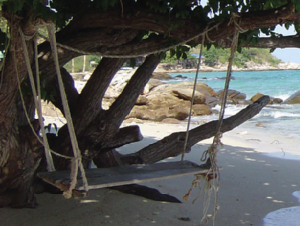
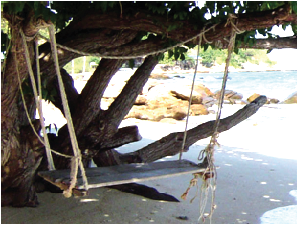
This example applies the same amount of brightness and contrast to the complete image. This makes the shadows and the highlights lighter with the same amount.
This example applies the same amount of brightness and contrast to the complete image. This makes the shadows and the highlights lighter with the same amount.


 ).