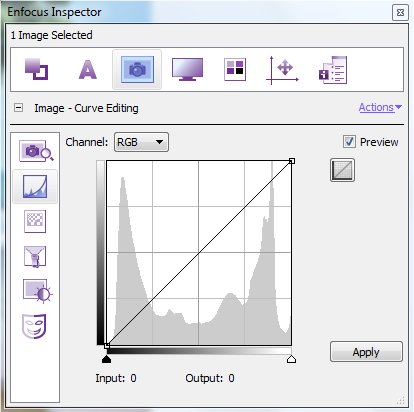
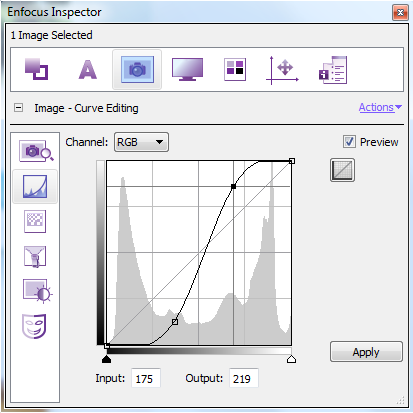
This example applies an S-shaped curve to the brightness levels of an image (to all channels of an RGB image). This makes the shadows darker, and the highlights lighter.