The Global Change Editor is accessible from within the Global Changes
dialog: when double-clicking a Global Change (or selecting Edit from the
contex menu), this dialog appears. It allows you to change the attributes of a Global
Change.
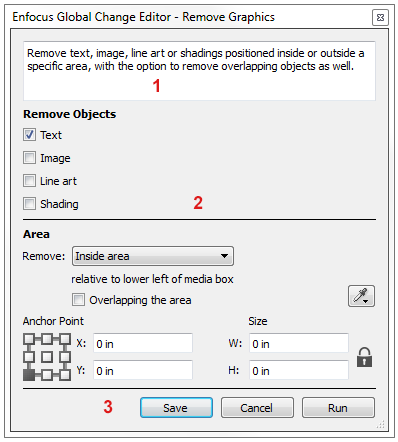
The Global Change Editor consists of the following screen parts: