| 1 |
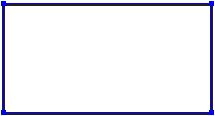
Create a
rectangle. Location:
Tools
pane:
|
 |
| 2 |
Apply a solid fill. Location:
Enfocus
Inspector dialog box:
|
 |
| 3 |
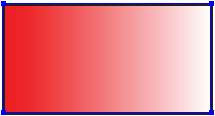
Apply a gradient fill. Location:
Enfocus
Inspector dialog box:
|
 |
| 4 |
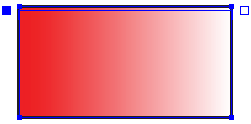
Display the control bar on the PDF
document. Location:
Tools pane:
|
 |
| 5 |
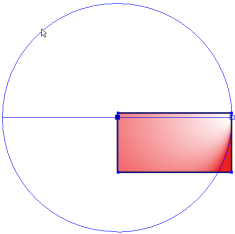
Change the gradient type to radial. Enfocus
Inspector dialog box:
|
 |
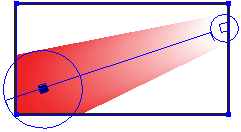
| 6 |
Reposition the control points of the control bar on the PDF
document and adjust the circles. |
 |
| 7 |
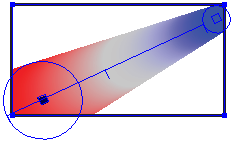
Change the color gradient fill using the control bar in the
Enfocus Inspector dialog box:

- Add color control points by clicking at the bottom of
the bar.
- Remove color control points by dragging them away from
the control bar, or by selecting them and pressing the
Delete key.
- Change the color by double-clicking color control
points.
- Change the position of color control points and
midpoints by dragging them along the control bar (or by
changing the Location option for a
selected control point).
|
 |


