To shear a selection
-
In the Enfocus Inspector dialog, click the
Select Objects
tool
 .
.
- Select the object(s) you want to shear.
-
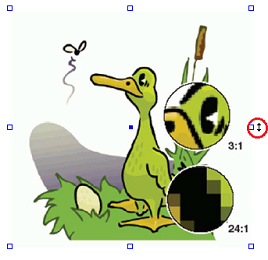
Move your pointer over one of the selection
handles (in the center of the edge you want to move), until it becomes an arrow
as in the graphic below.
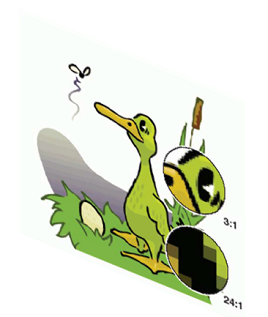
- Hold down the left mouse button while dragging the handle to the desired position.
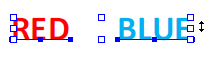
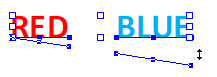
If multiple objects are selected (as the two text segments in the graphic below), they are all sheared in one go.