You can view a PDF document in either one of the following modes:
- Preview mode. This is how you normally see PDF documents in Adobe Acrobat. You see the pages, objects and text in the PDF documentas they will print.
- Wireframe view mode
If you look at a PDF document in wireframe view mode, the document will be displayed as follows:
- The objects will appear in outline form.
- Text can be shown in outline, with a black fill, or “greeked”, i.e. it can appear on-screen as a gray bar, rather than displaying the individual characters. You can select this option in the Edit category of the Enfocus PitStop Preferences.
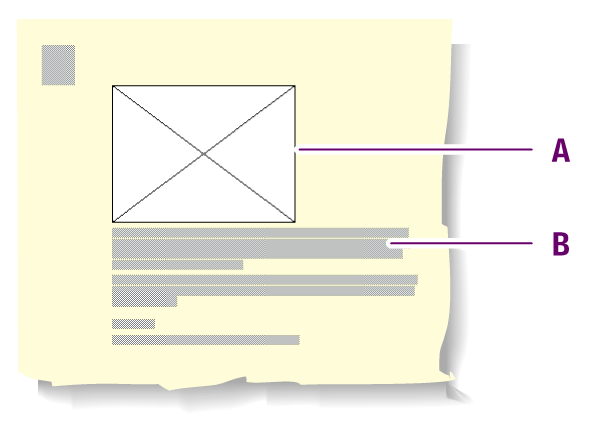
Example: Wireframe view of a PDF document: objects are outlined (A) and text can be greeked (B).