You can click the plus sign (+) to expand the Errors, Warnings, Fixes or Failures categories. Click an error, warning, fix or failure to see more information and, if possible, see the problematic object highlighted.
For example, in the image below, the highlighted object is the image from which the
alternate image has been removed. 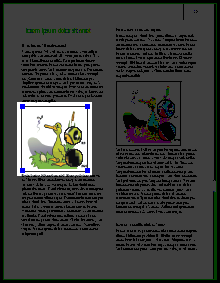
Browsing through the results
You can browser through the results to view, select and highlight problems (depending on your settings to highlight and select objects) or potentially problematic objects one by one.You can browse through the results and also use it in combination with the Enfocus Inspector to see more details about a particular problem or to correct the problem immediately.
For example, suppose you get an error saying that the resolution of three images in your PDF document is too high. You can proceed as follows:
- Browser through the results to view and highlight the images in question.
- Display the Enfocus Inspector. See Opening the Enfocus Inspector dialog.
- In the Enfocus Inspector, click the category to see the actual resolution of the selected image.
- Click the Resample tab and decrease the resolution of the images to the required value.
- Click Restart Preflight in the Actions drop-down menu of Enfocus Navigator to update the list of errors, warnings and fixes.