Using the Edit Text
Line tool  ,
do one of the following:
,
do one of the following:
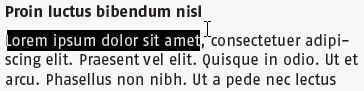
- Drag to select text on a text line.
- To select a word, double-click the word.
- To select a complete text line, triple-click a word.
- To select multiple adjacent words, double-click the first word, hold down the SHIFT key and click the last character of the last word.