Take the following into account before you convert text to outlines:
- Your text will become paths instead of type, which means that you will no longer be able to edit the text or change the font properties. For example, you will no longer be able to correct typos, apply a different font family or change the font size.
- You do not need to convert text to outlines if you simply want to change the fill or stroke color of the text. Select your text, click the Fill and Stroke category in the Enfocus Inspector, select Fill or Stroke and specify the respective color.
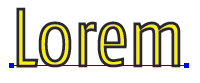
The image below is an example of text with a fill and stroke color
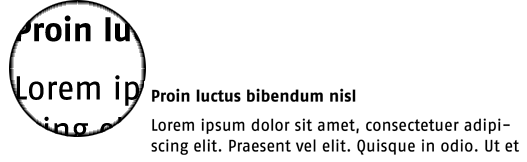
- You typically convert text of large font sizes to outlines, not small type, for example body text. Outlined text does not display or print nicely when rendered in small sizes: it may look a bit bolder in print or jagged on screen.
Example: text
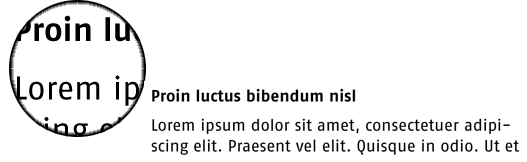
Example: Text converted to outlines