About the job
Suppose you have a line art object in several PDF documents. In all these PDF documents, you
want to:
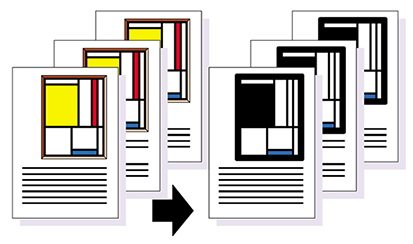
- Change the fill colors of a number of areas of this object.
- Change the line weight of all lines in the object that are thinner than a given line weight.
Automating the job using an Action List
This job consists of a number of sequential tasks or "Actions" (as shown in the table below). These individual tasks can be grouped into one Action List "Changing the properties of line art", which can then be applied to a range of pages in one or more PDF documents or to complete PDF documents.
| Step | Action | Illustration |
|---|---|---|
| 1 | Select the fill color of an object. | 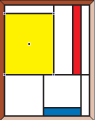 |
| 2 | Change the selected fill color of an object. | 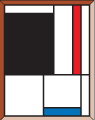 |
| 3 | Select another fill color of the object. | 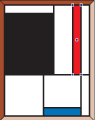 |
| 4 | Remove the selected fill color of the object. | 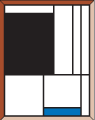 |
| 5 | Select lines of an object with a given line weight. | 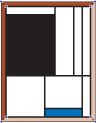 |
| 6 | Change the selected line weight. | 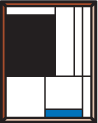 |