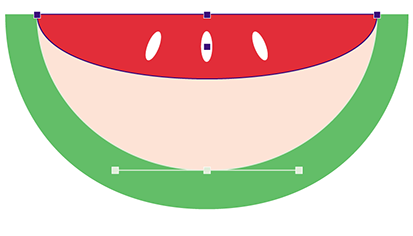
Note: Deleting an anchor point from a path segment changes the shape of the path.
-
Click the Remove Anchor Point tool
 .
.
-
Click the anchor point that you want to
remove.
The respective anchor point will appear selected (and display its direction points, if any) and will then disappear. The shape of the path will then change.