-
Select at least one object in your PDF document
and one line-art object or text segment to create the mask with.
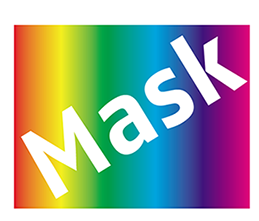
In the example below, two objects for masking are selected.
-
From the context menu, choose .
The outline of the top object is used to mask the objects underneath it.
In the example below, the the mask is created with the top object.