This example applies the same amount of brightness and contrast to the complete image. This makes the shadows and the highlights lighter with the same amount.
To make simple adjustments to brightness and contrast
-
In the Enfocus Inspector dialog box, click
 >
>  .
.
-
Make the necessary changes.
Before After 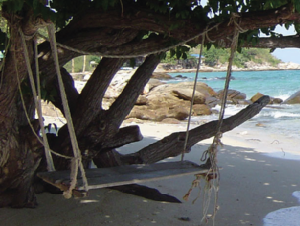
- Brightness: 0
- Contrast: 0
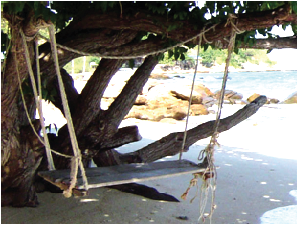
- Brightness: 45
- Contrast: 45
Note: You can preview the changes you made (by selecting the Preview checkbox) or revert to the default values (by clicking ).
).