To create a rectangle and apply a radial gradient fill to it (in RGB colors), proceed as follows:
| Step | Action | Result |
|---|---|---|
| 1 | Create a
rectangle. Location: Tools
pane: PitStop Edit >
|
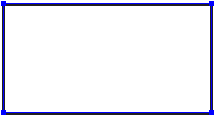 |
| 2 | Apply a solid fill. Location: Enfocus Inspector dialog box:
|
 |
| 3 | Apply a gradient fill. Location: Enfocus Inspector dialog box:
|
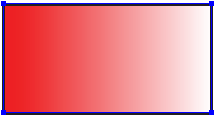 |
| 4 | Display the control bar on the PDF
document. Location: Tools pane: PitStop Edit >
|
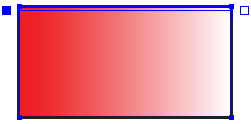 |
| 5 | Change the gradient type to radial. Enfocus Inspector dialog box:
|
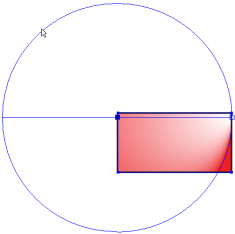 |
| 6 | Reposition the control points of the control bar on the PDF document and adjust the circles. | 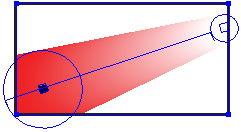 |
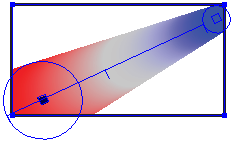
| 7 | Change the color gradient fill using the control bar in the
Enfocus Inspector dialog box:
|
 |


