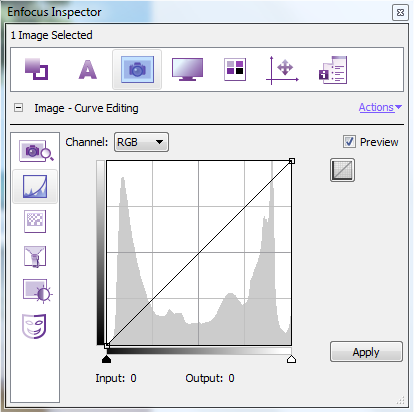
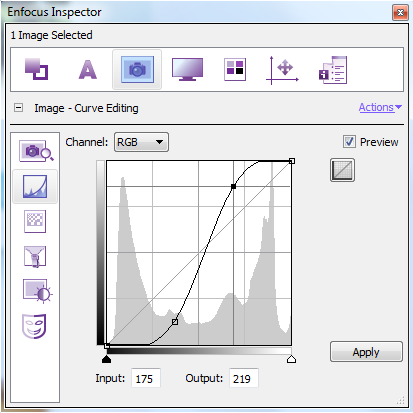
This example applies an S-shaped curve to the brightness levels of an image (to all channels of an RGB image). This makes the shadows darker, and the highlights lighter.
To make advanced adjustments to the brighness
-
In the Enfocus Inspector dialog box, click
 >
>  .
.
-
Make the necessary changes.
Before After