The zoom level is displayed below the company logo, in the top left corner of the user interface.
To change the zoom level of the PDF
Do one of the following:
- Click in the <number>% field and type a different value.
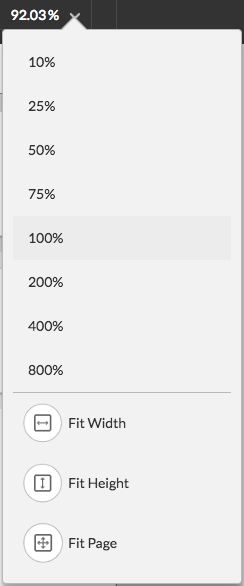
- Click the <number>% list in the toolbar and select the value of your choice. Alternatively, you can adjust the view to the available screen space (height or width of your screen), or to the size of one page.