After inspection, you must decide whether or not to approve the file.
To do so
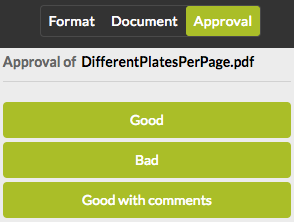
- Click the Approval tab. The name of the file you're going to approve or reject is mentioned just below the tab name.
- Click the button of your choice.
- Confirm your choice. Once you have clicked one of the buttons, you will be redirected to the website of the sender of the PDF. If you would try to open the file once more using the URL you received via email, you would notice that it is not possible anymore. As a consequence, it is not possible to send additional remarks afterwards.
Note: It is possible that the sender of the document has set a
deadline. If so, the document link will become unavailable when the deadline
expires.