To walk through a multi-page PDF
Do one of the following:
- Click the arrow buttons at the bottom of the sidebar.
- Enter a value in the Page field.
- Desktop/laptop only: Click the appropriate button to jump to a particular page
- Tablet only: Click the rightmost arrow button and click the page of your choice
Desktop/laptop:

Tablet:
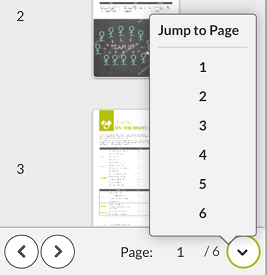
Tablet: