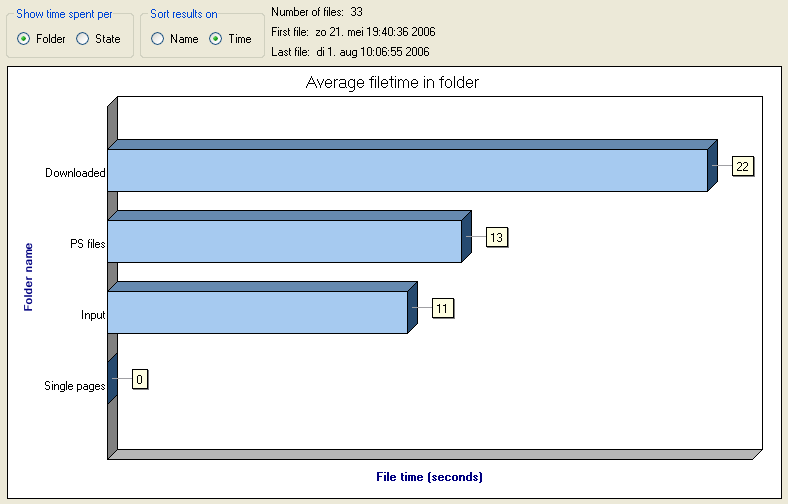

- Use the radio buttons at the top of the statistics pane to determine the statistics being displayed and to determine the sort order of the bars in the chart.
- Press the "Refresh Statistics" button on the toolbar to update the statistics charts to the latest processing information.
- Press the "Reset Statistics" button on the toolbar to reset all counters to zero, i.e. start gathering statistics from scratch.