When you import a flow in which some of the flow elements are not supported by the current configuration of Switch (for example, the flow element may belong to a module which you have not licensed), the following message will be displayed:
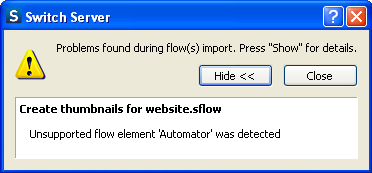
When you click Close in the above dialog box, the flow is imported along with the unsupported flow elements, but the unsupported flow elements will display a small triangle with an exclamation mark. When you hover your mouse over this triangle, a pop-up also displays the message about the unsupported flow element.