When opening the Switch Web Portal, you can access the functionality to submit and check
jobs through the navigation area in the left part of the screen. This area can be collapsed or
expanded; when collapsed (see screenshot), the icons remain visible allowing you to switch to the
appropriate view. The view that is active is highlighted; in this example, that is the Submit
jobs view.
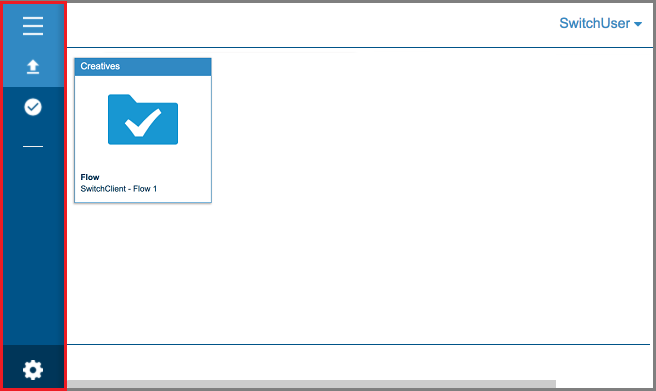
The table below explains the meaning of the buttons in the navigation area.
The table below explains the meaning of the buttons in the navigation area.
| Button | Click this button to... |
|---|---|
 |
Expand or collapse the menu. |
 |
Display the Submit jobs view. |
 |
Display the Check jobs view. |
 |
Find more info. A new dialog is opened with links to:
|