What it does
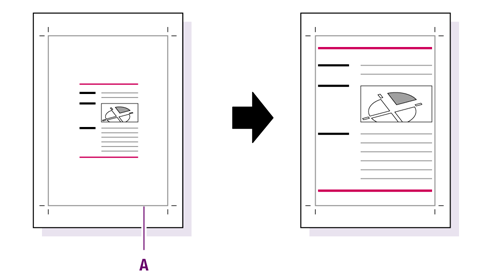
Scales the page content to fit the size of a particular page box. You can add extra margins, if necessary.
You should also define the target position of the page content inside the page box, e.g. "page content should move to the upper right".
You can choose whether or not to take into account the page rotation and scaling factor.
Example
In the example below, the page content is scaled to fit the size of the trim box (A).