Belongs to
- Category: Layers
- Type: Checks
- Since Version: 2018
What it does
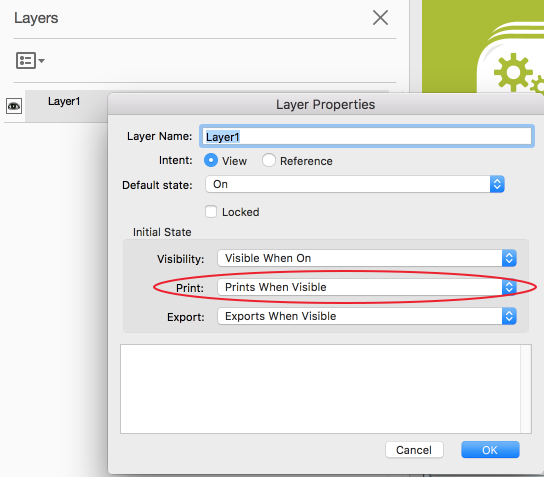
Allows you to check the print state of a layer, which determines whether or not objects on the layer are printed.
Print state options are:
- Always prints
- Prints when visible
- Never prints
Example
If you never want to print content on layers, check if all layers have the print state set to 'Never prints'. Using the following Action List, you'll get a warning if that's not the case.Select all
Check layer print state <!-- with the option Print State must be: Never prints -->