The content file is a normal PDF consisting of a number of pages and containing images, icons and fonts to be used in your customized report.
The PDF file usually contains 3 different parts:
- One background page
This page is considered to be the most important one because this is what you'll see as a background for each page in the report. The page is normally set on the first page of the content file and can maximum be one page.
The background page forces the page size used for the complete preflight report.Add here the company logo, the company name and extra info as required.
Tip: To speed up report creation and to reduce the file size of the report, we recommend putting all elements of the background page in one single PDF form object. To do so, you can use the Action Put Selection in Form. For more information about this Action, refer to the Action Manual on the Enfocus website.Example:

- Several icon pagesThese pages hold the different icons used in the preflight report:
- Icons in front of the subtitles "Fixes", "Warnings", ...
- Icons in front of fixes, warnings and errors,...
- Icons for hyperlinks to the objects
- Icons for hyperlinks to the product webhelp
Example:

- A font resource page
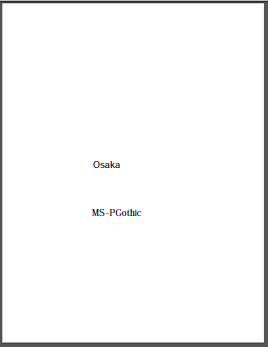
For faster report generation, when using large composite fonts for languages such as Japanese or Chinese, you can specify a font resource page. Such a page contains PDF text objects with non-embedded composite fonts. If one of these composite fonts should be used in the report, i.e. if the font name is used in the .prefs file to define a font (e.g. the FontName in PitStopReportBody PitStopReportBody), the font resource from this page is used to create the report font.
Note: Keeping this page for other languages, does not slow down the process, so you can just leave it in, even if you don't need it.Example: