This is an overview of the tags that can be used in the
PitStopReportSubTitles section in the config file (.prefs) of a regular
report template. This section is used to configure the subtitles for errors, warnings and fixes.

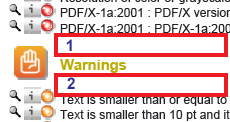
Subtitle colors:
Note: You can use CMYK, RGB or grayscale values, see
Colors and units in the topic The config file (.prefs) of a regular report.
| Tag | Description and values |
|---|---|
| ErrorColor | Color of the subtitle for errors, for example "15 100 100 0" |
| WarningColor | Color of the subtitle for warnings, using CMYK values, for example ""0 0 100 33.3333" |
| FixColor | Color of the subtitle for fixes, for example "75 5 100 0" |
| FailureColor | Color of the subtitle for critical failures, for example "15 100 100 0" |
| NeutralColor | Color used for empty chapter descriptions, if no information is available, like: “No
errors or warnings were found”, “No fixes were required”. Example value: "0"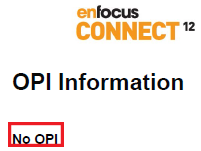 |