This is an overview of the tags that can be used in the
PitStopReportChapterTitles section in the config file (.prefs) of a
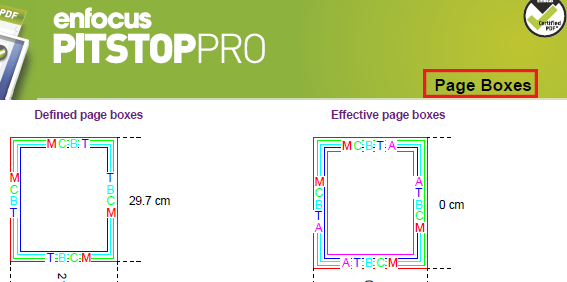
regular report template. This section is used to configure the chapter titles, which are by
default displayed in the top right corner of every single information page.
| Tag | Description and values |
|---|---|
| FontSize | Font size to be used for the chapter titles in the report, for example "10". |
| FontName | Font to be used for the chapter titles in the report, for example "Helvetica-Bold". |
| FontColor | Font color, for example "0" (= grayscale value). Note: You can also use CMYK or RGB
values, see Colors and units in the topic The config file (.prefs) of a regular report.
|
| FontLeading | Default line spacing (i.e. distance between two lines of text) for title text, for example "3" (= 3 points). |
| NewPageForNewChapter | Determines whether or not a new page is used for every information chapter.
|
| Location XY | Indicates where the chapter titles should be placed, for example "95 718" (x-y coordinates). |
| Alignment | Alignment of the titles to the right or left side of the page. Values:
|