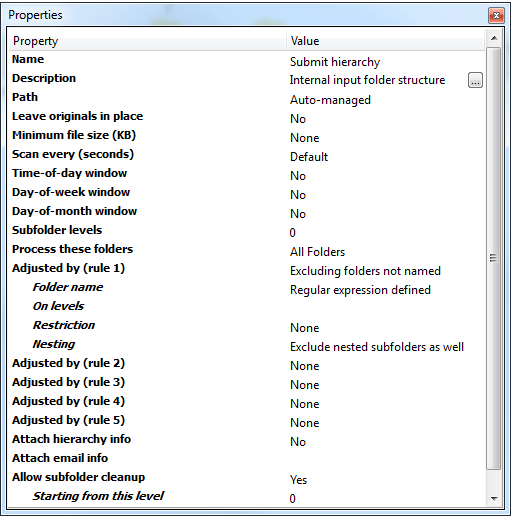
The Properties pane shows the properties of a flow or a flow element, depending on what's
selected on the canvas:
- If a single flow element is selected on the canvas, the Properties pane
shows the properties of that flow element.
To learn how you can edit the values in the Properties pane, refer to Changing flow element properties.
-
If multiple flow elements are selected, the Properties pane shows all mutual properties, i.e. the properties that can be set for every selected flow element. This allows you to change the (same) property for multiple flow elements at once.
Note: The Name and Description of a flow element must be changed one by one. -
If no flow elements are selected, the Properties pane shows the flow properties.
For more information, refer to Changing flow properties.