At some point in your PDF workflow, you may want to compare two versions of your Certified PDF document. You may wish to do this, for example, to detect minor changes. You can do this in two ways:
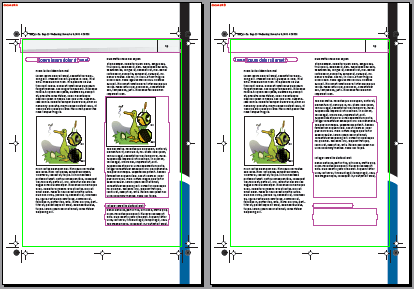
- By comparing snapshots of these versions visually (side by side). This is useful to see visible changes “at a glance”.
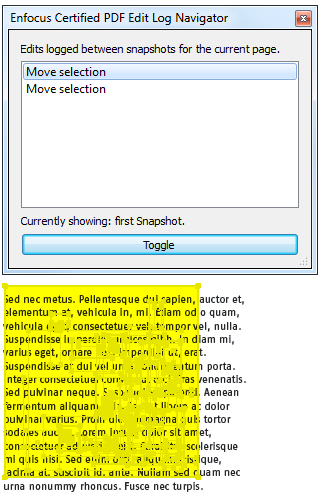
- By comparing their respective Edit Log reports. This is recommended if you know that changes have been made that are hardly visible on screen, such as overprint or trapping settings or changes in (hidden) layered objects.
Note: You cannot compare sessions in “optimized” Certified PDF documents.
See The Certified PDF workflow.